
Remove backgrounds from costume images with pixel-level precision using our Costume Background Removal API, delivering high-quality cutout results.
{"data":{"elements":[{"image_url":"https:\/\/ai-result-rapidapi.ailabtools.com\/cutout\/segmentCloth\/2024-06-29\/114307-e55386c8-f535-4961-d933-2d182376d7bb-1719661387.png"},{"class_url":{"coat":"https:\/\/ai-result-rapidapi.ailabtools.com\/cutout\/segmentCloth\/2024-06-29\/114307-bdb54d12-1181-50af-80d5-72cbcf53b57f-1719661387.png","pants":"https:\/\/ai-result-rapidapi.ailabtools.com\/cutout\/segmentCloth\/2024-06-29\/114307-4540e054-479f-fd38-15b6-b40bee0a65c8-1719661387.png","skirt":"https:\/\/ai-result-rapidapi.ailabtools.com\/cutout\/segmentCloth\/2024-06-29\/114307-40102da0-bf14-2bb6-dd36-b76acf91cb51-1719661387.png","tops":"https:\/\/ai-result-rapidapi.ailabtools.com\/cutout\/segmentCloth\/2024-06-29\/114307-206bc635-cf96-a3ec-e0d0-72420705cbbb-1719661387.png","bag":"https:\/\/ai-result-rapidapi.ailabtools.com\/cutout\/segmentCloth\/2024-06-29\/114307-25dba671-3e52-4ddc-add4-bd909ecbb121-1719661387.png","hat":"https:\/\/ai-result-rapidapi.ailabtools.com\/cutout\/segmentCloth\/2024-06-29\/114307-769746b5-0f60-5646-2279-cfad688c9e1c-1719661387.png","shoes":"https:\/\/ai-result-rapidapi.ailabtools.com\/cutout\/segmentCloth\/2024-06-29\/114307-3eb5982c-cd89-c13d-337f-502dbecd7ce8-1719661387.png"}}]},"error_code":0,"error_detail":{"status_code":200,"code":"","code_message":"","message":""},"log_id":"D8190554-DCFD-56D3-AA00-E6394404921D","request_id":"D8190554-DCFD-56D3-AA00-E6394404921D"}
    curl --location 'https://zylalabs.com/api/4404/costume+background+removal+api/5413/costume+background+removal' \
    --header 'Content-Type: application/json' \
    --form 'image=@"FILE_PATH"'
After signing up, every developer is assigned a personal API access key, a unique combination of letters and digits provided to access to our API endpoint. To authenticate with the Costume Background Removal API simply include your bearer token in the Authorization header.
| Header | Description |
|---|---|
Authorization
|
Required
Should be Bearer access_key. See "Your API Access Key" above when you are subscribed.
|
No long-term commitment. Upgrade, downgrade, or cancel anytime.
Our Costume Background Removal API offers state-of-the-art technology to accurately remove backgrounds from a variety of costume images, including mannequins, real people, pure clothing items, and virtual models. Utilizing pixel-level precision, this API ensures clean and professional cutout results, perfect for e-commerce, digital fashion design, and content creation. The API processes images swiftly and returns high-quality cutouts, allowing for seamless integration into your projects. Enhance your workflows, improve visual appeal, and streamline your image processing tasks with our reliable and efficient Costume Background Removal API. Designed for scalability and optimized for rapid deployment, it’s the ultimate tool for any industry requiring high-quality image manipulation.

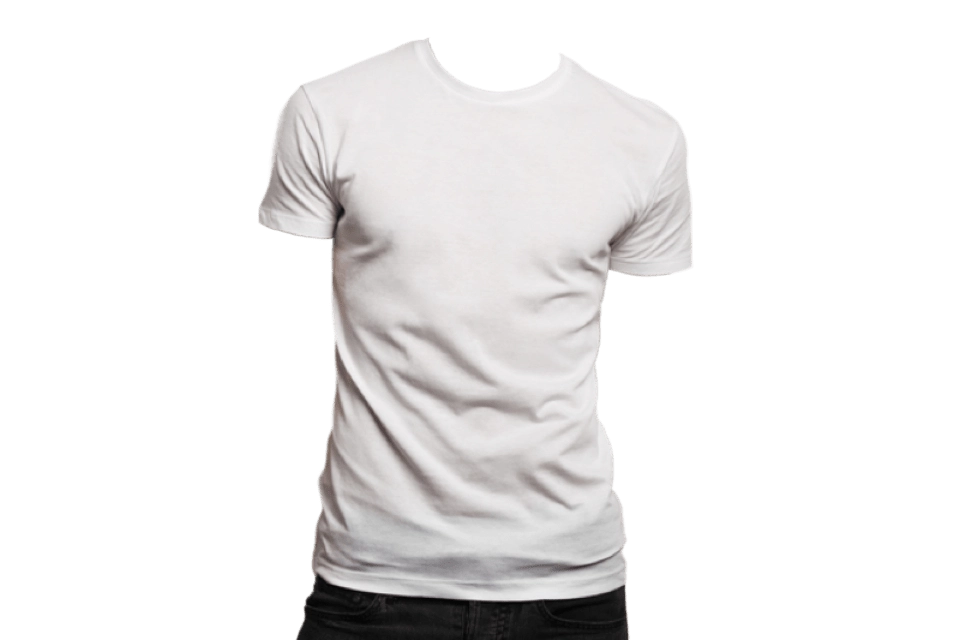
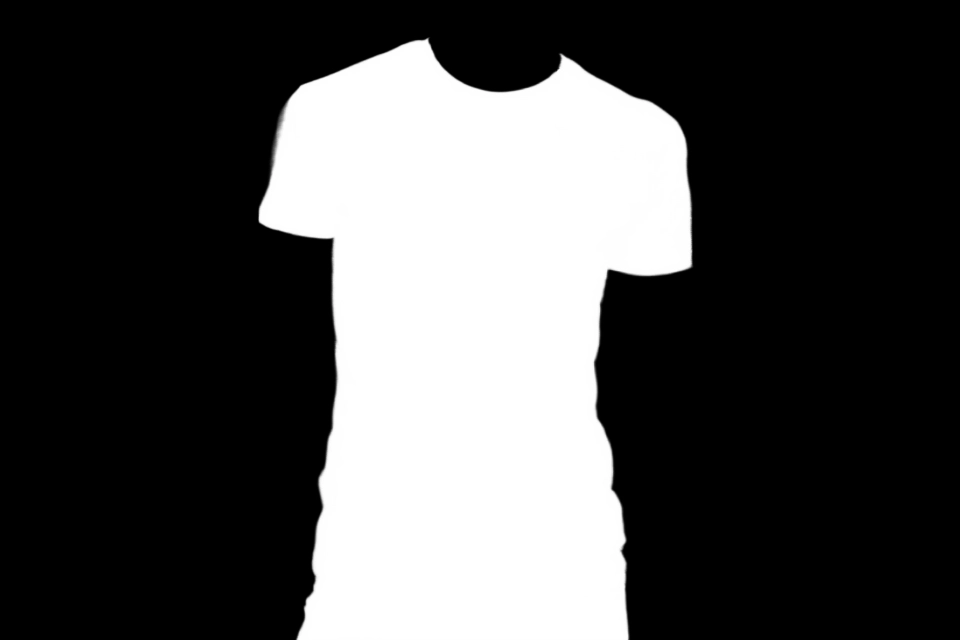
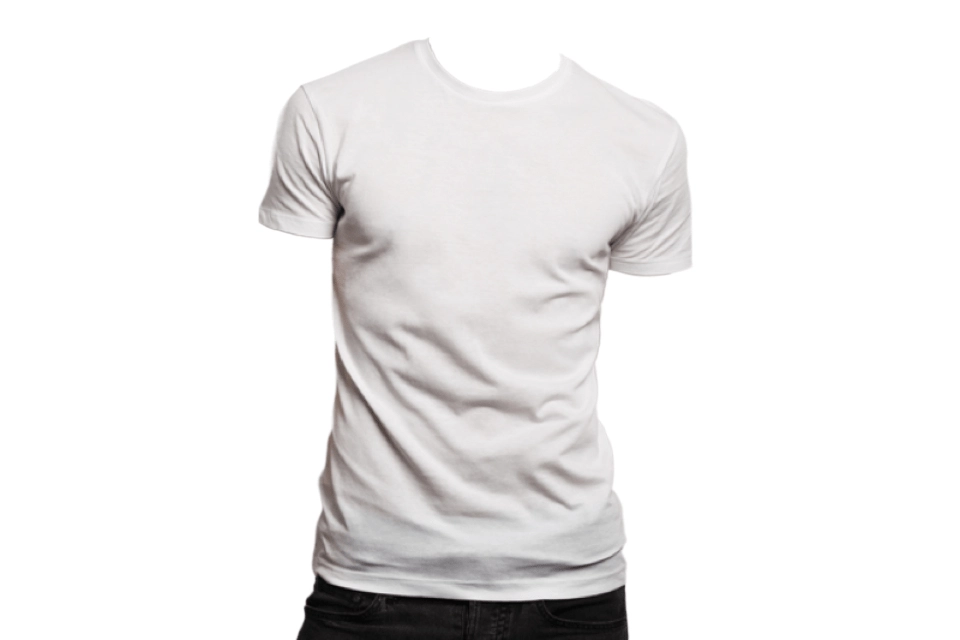



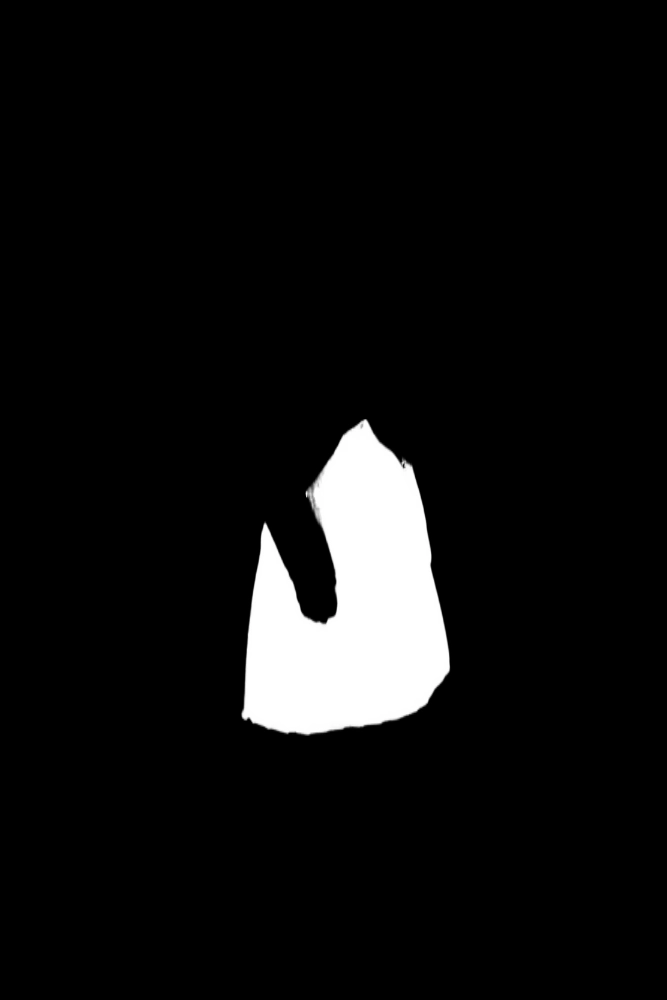


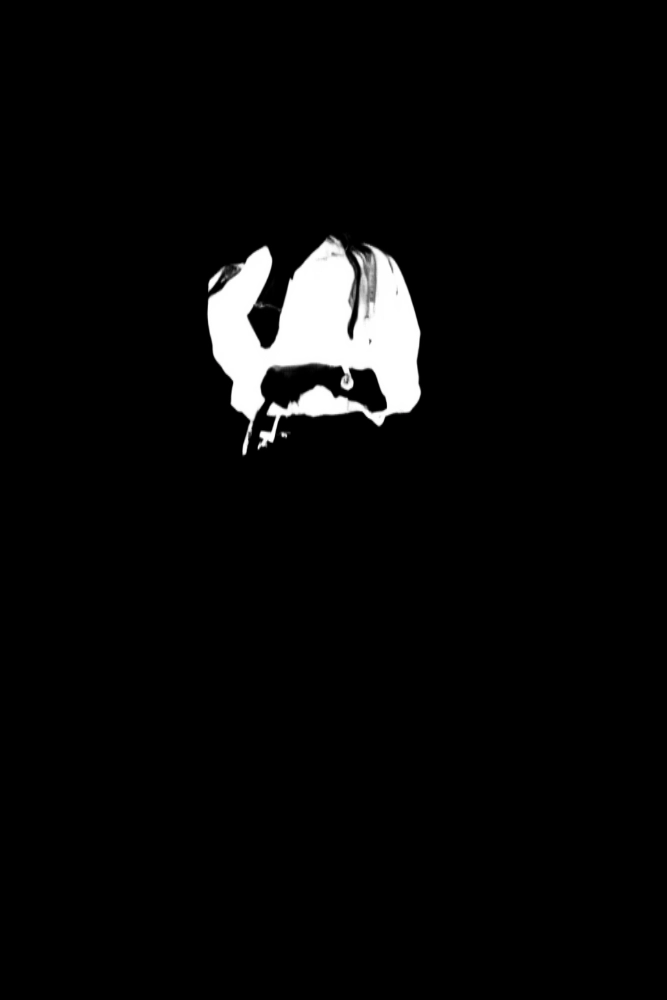
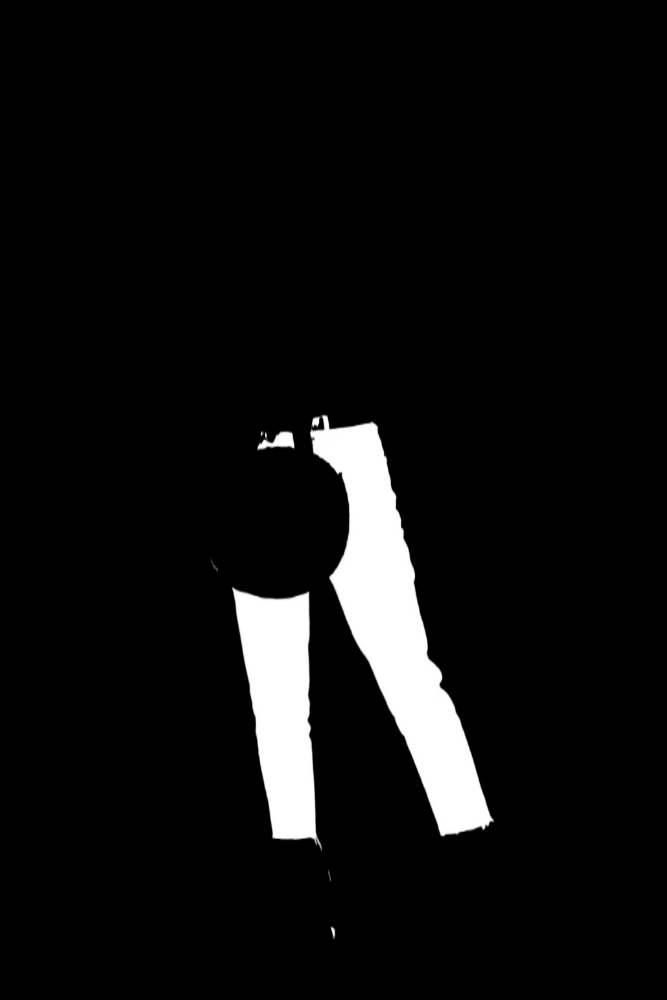
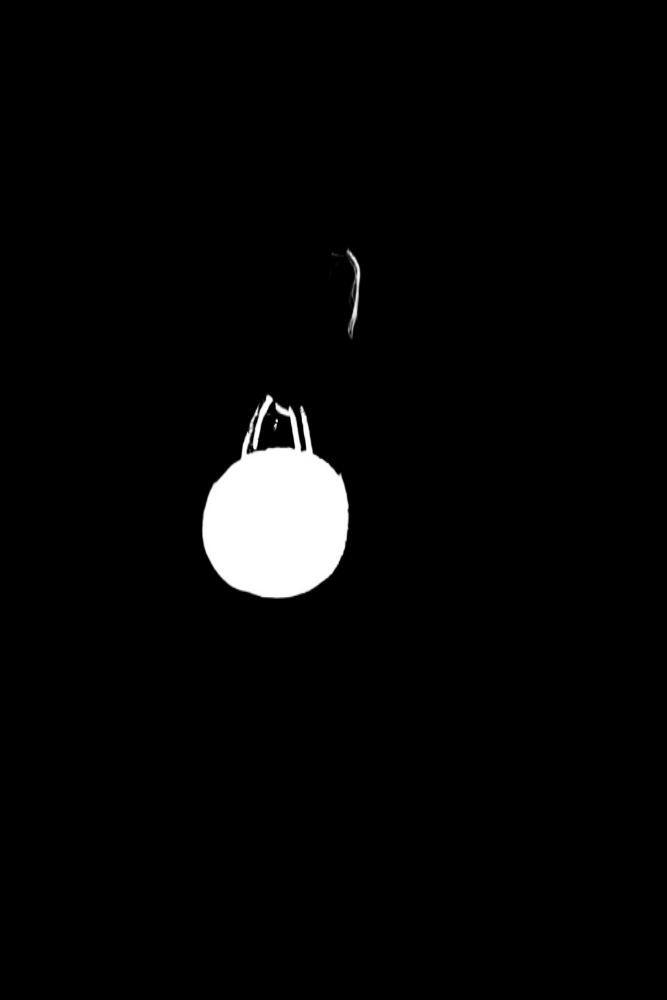

Our Costume Background Removal API offers state-of-the-art technology to accurately remove backgrounds from a variety of costume images, including mannequins, real people, pure clothing items, and virtual models. Utilizing pixel-level precision, this API ensures clean and professional cutout results, perfect for e-commerce, digital fashion design, and content creation. The API processes images swiftly and returns high-quality cutouts, allowing for seamless integration into your projects. Enhance your workflows, improve visual appeal, and streamline your image processing tasks with our reliable and efficient Costume Background Removal API.
E-commerce Clothing Stores: Enhancing product images by removing distracting backgrounds, allowing customers to focus on the clothing items. Fashion Photography: Creating professional-looking fashion photoshoots by isolating models and clothing from the background, highlighting the designs. Cosplay and Costume Events: Editing costume photos for personal or event purposes, ensuring the focus remains on the costumes themselves. Theatrical Productions and Film: Editing costume images for promotional materials, posters, and digital assets related to theatrical productions and films.
Enhanced Visual Focus: Removes distractions from the background, directing attention to the costumes and their details. Professional Presentation: Provides clean and polished images suitable for e-commerce, marketing, and promotional materials. Time Efficiency: Streamlines the editing process, allowing for faster production of high-quality costume images. Flexibility in Design: Enables customization of backgrounds or integration into different settings for creative purposes. Versatility: Applicable to various types of costumes, including historical, fantasy, and contemporary designs.
The API returns a structured JSON response containing the processed image URLs and optional category-specific URLs for the clothing items identified in the input image. The main fields include `image_url` for the cutout image and `class_url` for categorized clothing items.
Key fields in the response include `request_id`, `log_id`, `error_code`, `data`, and `elements`. The `data` field contains an array of `elements`, each with `image_url` and `class_url` for categorized clothing, providing direct access to the processed images.
Users can customize requests by specifying the `cloth_class` parameter to target specific clothing categories (e.g., tops, pants) and the `return_form` parameter to choose the output format (mask, white background, or default PNG).
The response data is organized in a hierarchical JSON structure. The top-level contains metadata like `request_id` and `error_code`, while the `data` field includes an array of `elements`, each detailing the processed image and its associated clothing categories.
The endpoint provides information on processed images, including URLs for the main cutout image and URLs for specific clothing categories based on the input. This allows users to access both the overall result and detailed segmentation.
Accepted parameter values include `cloth_class` options such as tops, coat, skirt, pants, bag, shoes, and hat. The `return_form` can be set to `mask` or `whiteBK`, with the default being a four-channel PNG image if not specified.
Users can utilize the returned data by accessing the `image_url` for the final cutout image and the `class_url` for specific clothing items. This enables seamless integration into e-commerce platforms or design projects, enhancing visual presentation.
Typical use cases include e-commerce image enhancement, virtual try-on applications, and fashion photography. The API allows for quick background removal, enabling businesses to create professional images that focus on apparel details.
To obtain your API key, first sign in to your account and navigate to the API you want to use. From the API's Pricing section, choose a plan and complete the subscription process. Once subscribed, return to the API page and you will see your API Access Key displayed at the top of the documentation page. You can use this key to authenticate your requests.
You can’t switch APIs during the free trial. If you subscribe to a different API, your trial will end and the new subscription will start as a paid plan.
The free trial lasts for 7 days and allows you to make up to 50 API requests.
No, the free trial is available only once, so we recommend using it on the API that interests you the most. Most of our APIs offer a free trial, but some may not include this option.
Yes. If the API offers a free trial, you will see a "Free 7-Day Trial" option in its Pricing section. The trial lasts for 7 days and allows up to 50 API requests, enabling you to evaluate the API before subscribing to a paid plan.
Zyla API Hub is like a big store for APIs, where you can find thousands of them all in one place. We also offer dedicated support and real-time monitoring of all APIs. Once you sign up, you can pick and choose which APIs you want to use. Just remember, each API needs its own subscription. But if you subscribe to multiple ones, you'll use the same key for all of them, making things easier for you.
You can monitor your API usage through the response headers included with every request:
x-zyla-api-calls-monthly-used: Shows the total number of API requests you have used during the current billing period.
x-zyla-api-calls-monthly-remaining: Shows the number of API requests you have remaining for the current billing period.
Yes, you can cancel your subscription at any time. Simply go to the Pricing section of the API you're subscribed to and click the "Unsubscribe" button.
Please note that upgrades, downgrades, and cancellations take effect immediately. Once your subscription is canceled, access to the service will end immediately, regardless of any remaining API calls in your quota.
Please have a look at our Refund Policy: https://zylalabs.com/terms#refund





 Run in Postman







